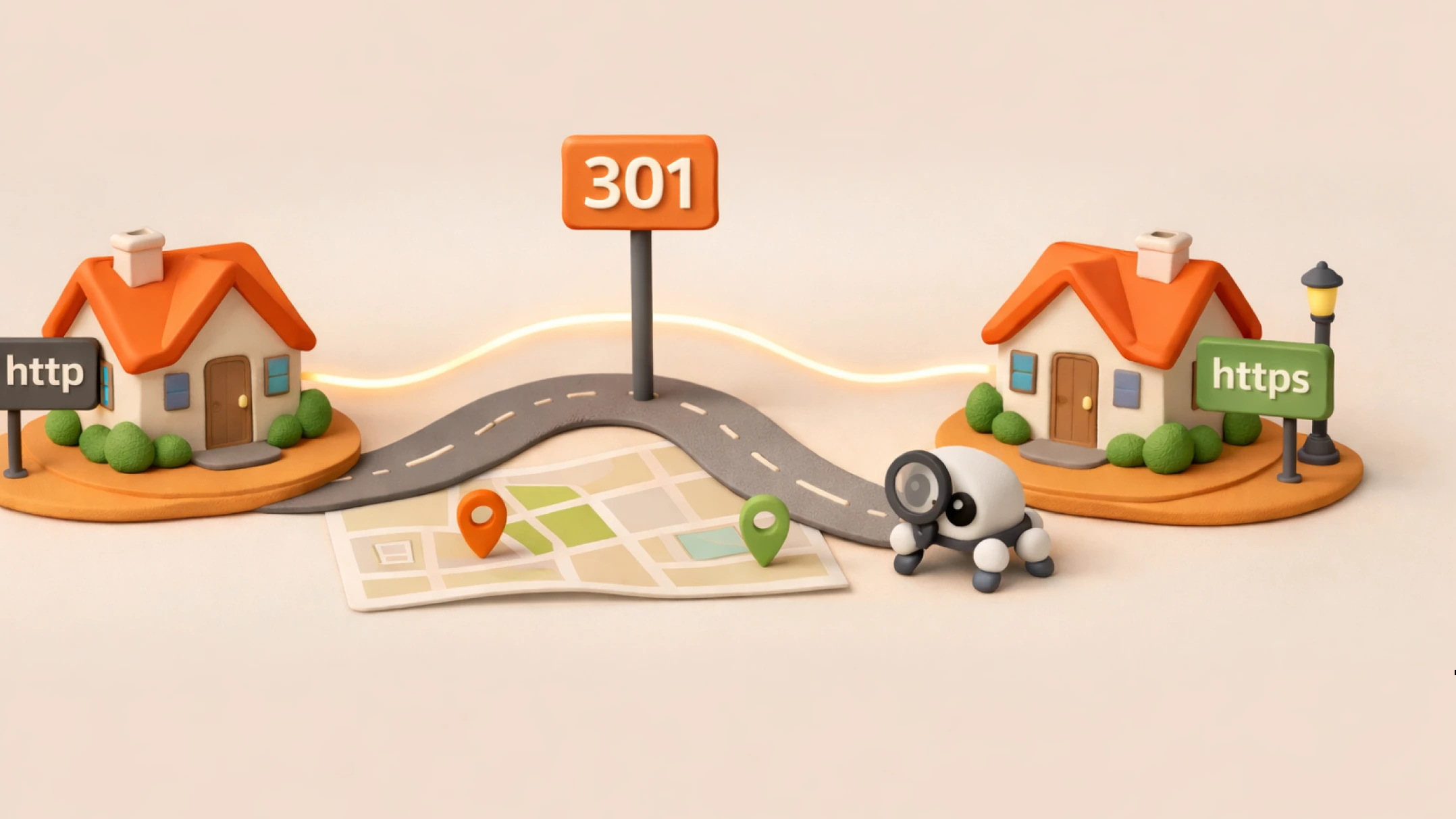
At some point, almost every website faces the task of changing a page address, making it shorter, clearer, or fixing an error in the structure. And then fear appears: is it possible to change a url without losing rankings? The short answer is yes, but only if you act correctly and do not break the site’s logic.
Below we will break down URL changes and their impact on SEO, when it is safe, what to do step by step, and how to check the result in the search engine.
Important: for a search engine, a new URL is a new address. Even if the content is the same, Google has to “rebuild” and understand that the page has moved.
Imagine that a house’s address has changed: the street was renamed or the numbering was changed. The house itself stayed the same, but a new address appeared in the city register. Until the register indicates that it is the very same house, services will consider it a different object.
For Google, a URL is exactly an address in such a register or on a city map. When you change the URL, the search engine first sees a “new address,” not a house it already knows. Show Google the correct connection: the page is the same, it just has a changed address.
Therefore, the question what will happen if you change the url comes down to three things:
In practice, the consequences of a URL change vary: from “we barely noticed anything” to a temporary drop in rankings. Most often, problems begin when many addresses are changed at once and technical details are forgotten.
You can change a url without losing traffic if the reason for the replacement is clear and the migration is careful. Here are situations when a URL change most often goes smoothly:
If you are thinking whether you should change a page URL or not, evaluate: do you have stable traffic now, strong rankings, and good external links. The more valuable the page, the more carefully you need to act.
Below is a basic plan. It is suitable both for a single edit and for a careful change of the site structure, if you do everything step by step.
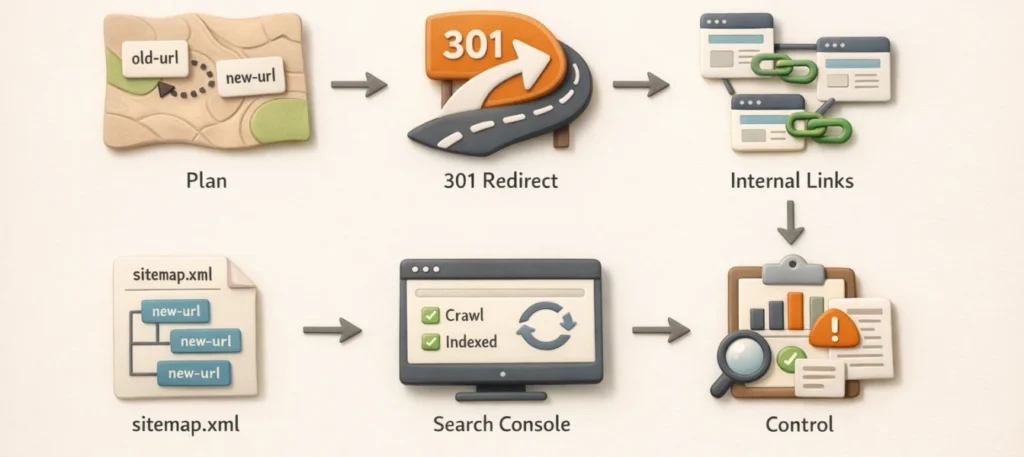
A 301 redirect tells the search engine: “the page has moved permanently.” This is the main tool to reduce ranking loss after a URL change and preserve part of the link equity.
Example for Apache (.htaccess):
Redirect 301 /old-page/ https://site.com/new-page/Example for Nginx:
rewrite ^/old-page/?$ https://site.com/new-page/ permanent;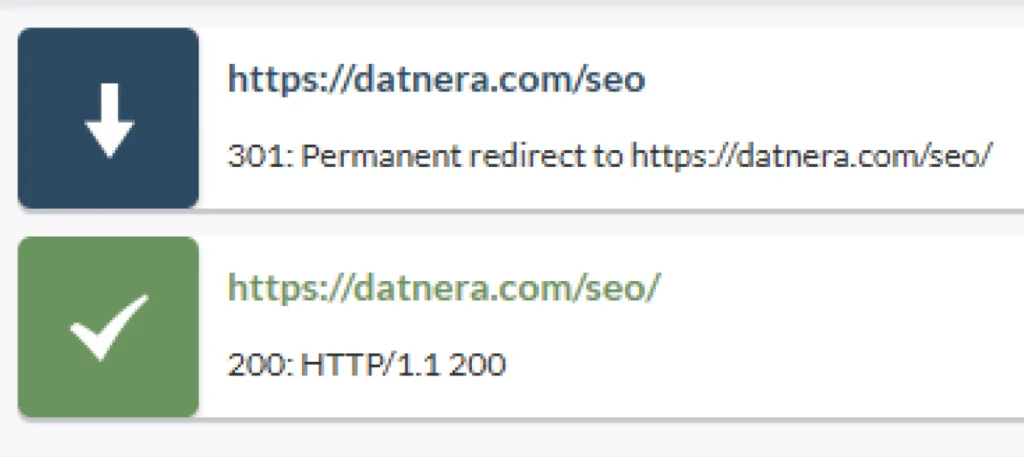
A redirect is insurance, but it is better if the site immediately links to the new address. Update the menu, breadcrumbs, “related” blocks, links in the content. Then update sitemap.xml so Google understands the new structure faster.
Sometimes a traffic drop after a URL change is not related to redirects, but to the fact that the new section was accidentally blocked from crawling. Make sure that:
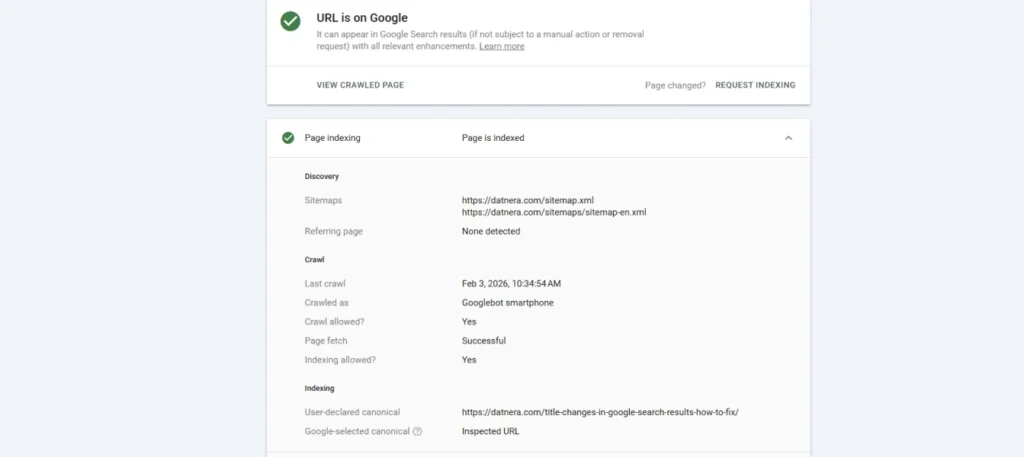
After the changes, speed up the process: in Google Search Console use the “URL Inspection” tool and submit the page for reindexing.
This is exactly a correct URL change without unnecessary losses in SEO.
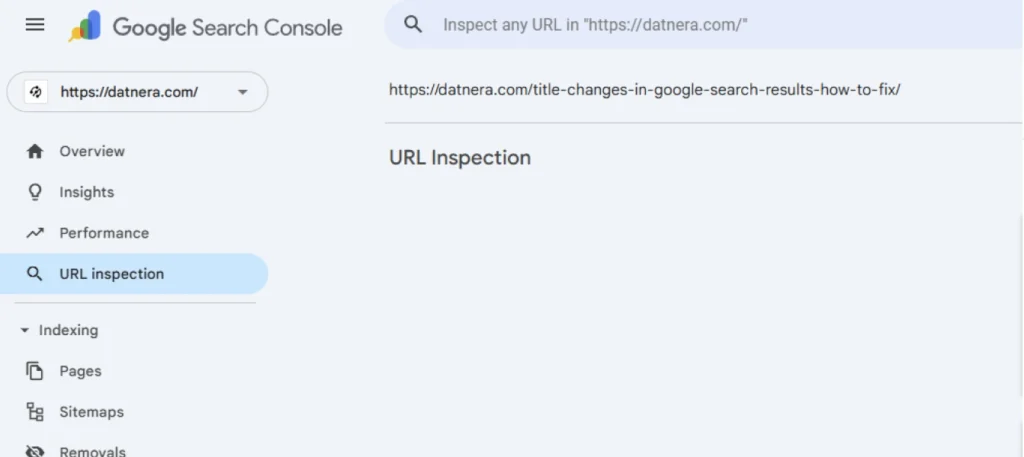
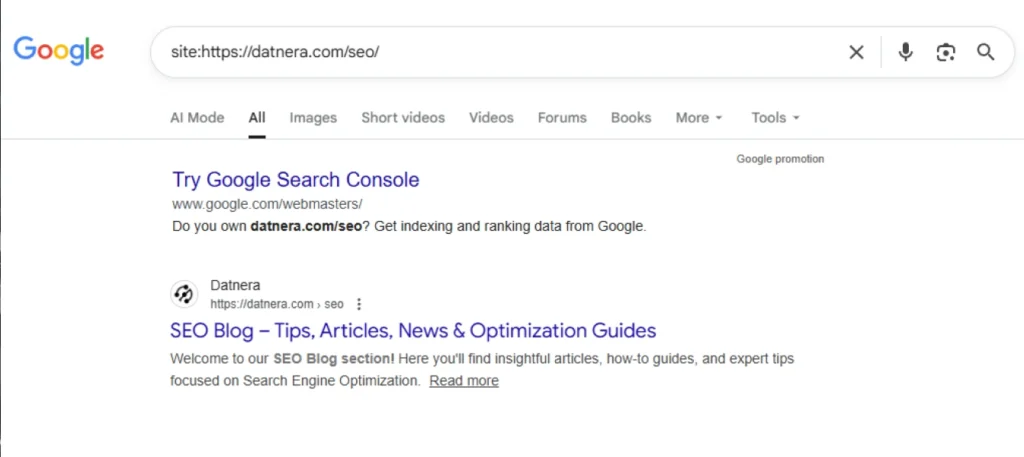
To understand that a URL change in Google has happened, use several checks — together they give a more accurate picture:
Sometimes the most reasonable answer to the question is it possible to change a page address without losing rankings is “better not to touch it.” Especially if the page already brings results:
In such cases, changing a permanent link often brings more risk than results. If the reason is superficial (“I want it prettier”) it is better to focus on content and internal linking.
Problems after a URL change more often arise not because of the move itself, but because of inconsistent technical points. The search engine receives different instructions and cannot quickly determine the main address of the page.
Changing a URL is not a critical risk factor for SEO if the search engine is clearly explained the very fact of the move. Short-term fluctuations are possible, but they are related to recrawling, not to a loss of trust in the page.
In practice, problems appear when redirects, canonical addresses, internal structure, and the site map do not work as a single system. If these elements are aligned, the URL change goes without a long-term drop in rankings.
If you are planning renaming a page and maintaining rankings, treat the URL like an “address in a navigator”: it can be changed, but it is important to put up signposts and update routes. Then both users and Google will get where they need to go.

Yes. But it is important to make a 301 redirect, update internal links and the sitemap. Then the chance that rankings will be lost when changing the url is noticeably lower.
Usually, most of the signals are passed if the redirect is correct and direct. The risk is higher with chains and errors. Therefore the cleaner the migration, the fewer the losses.
It depends on the size of the site, crawl frequency, and the volume of changes. With a точечной edit, a few days are often enough; with a mass migration, longer. If you see after the address change, rankings in Google in waves, that is normal.
Usually no. If a 301 is in place, the search engine itself will eventually replace the old URL with the new one. More important is that the old address returns a redirect, and the new one is available for crawling.
Check the status code (it should be 301), the final URL, and the absence of chains via the Chrome extension “Redirect Path”. Additionally, look at server logs and reports in Search Console.
Check how the snippet looks (title/description), whether there are duplicates, and whether the canonical address is correct. Sometimes CTR drops temporarily while the search engine updates the results for the new addresses.
This is not always required, but it is useful. If there are top donors, it is better to ask to replace the link with the new address. This reduces the risk of a drop and speeds up the “transfer of equity”.
The sitemap should contain new URLs. The canonical should also point to the new address, otherwise there will be a conflict of signals and a page address change will cause extra fluctuations in SEO results.
If you need to roll back, do it carefully: return the previous URLs and set up a 301 in the reverse direction (new → old), then update internal links and the sitemap. And be sure to analyze the reasons: often the problem is that an error was made (for example, 302, 404, blocking in robots, or an incorrect canonical).
Enjoyed the article?

Discover ideas worth your time — stories,
trends, and tools that shape the future
Join our newsletter for curated
insights and important updates