Content:
The situation is familiar: the URL is visible in Google Search Console, the status is “Indexed”, but the page is not in the actual search results — neither for queries nor even by the exact title. Because of this, the same question often arises: why is the page in the index but not in search?
Below is a practical guide: what is the difference between indexing and ranking, why Google does not show the page, how to verify the indexing fact, how to understand the presence of impressions, and what to do to return the page to search results.
Important: “In the index” is not a guarantee of impressions. The search engine may store a page in the index but not consider it useful or relevant enough to show for queries.
Indexing — Google added the page to its database (index) and can access it. Ranking — Google decides whether to show the page in search results and at what positions.
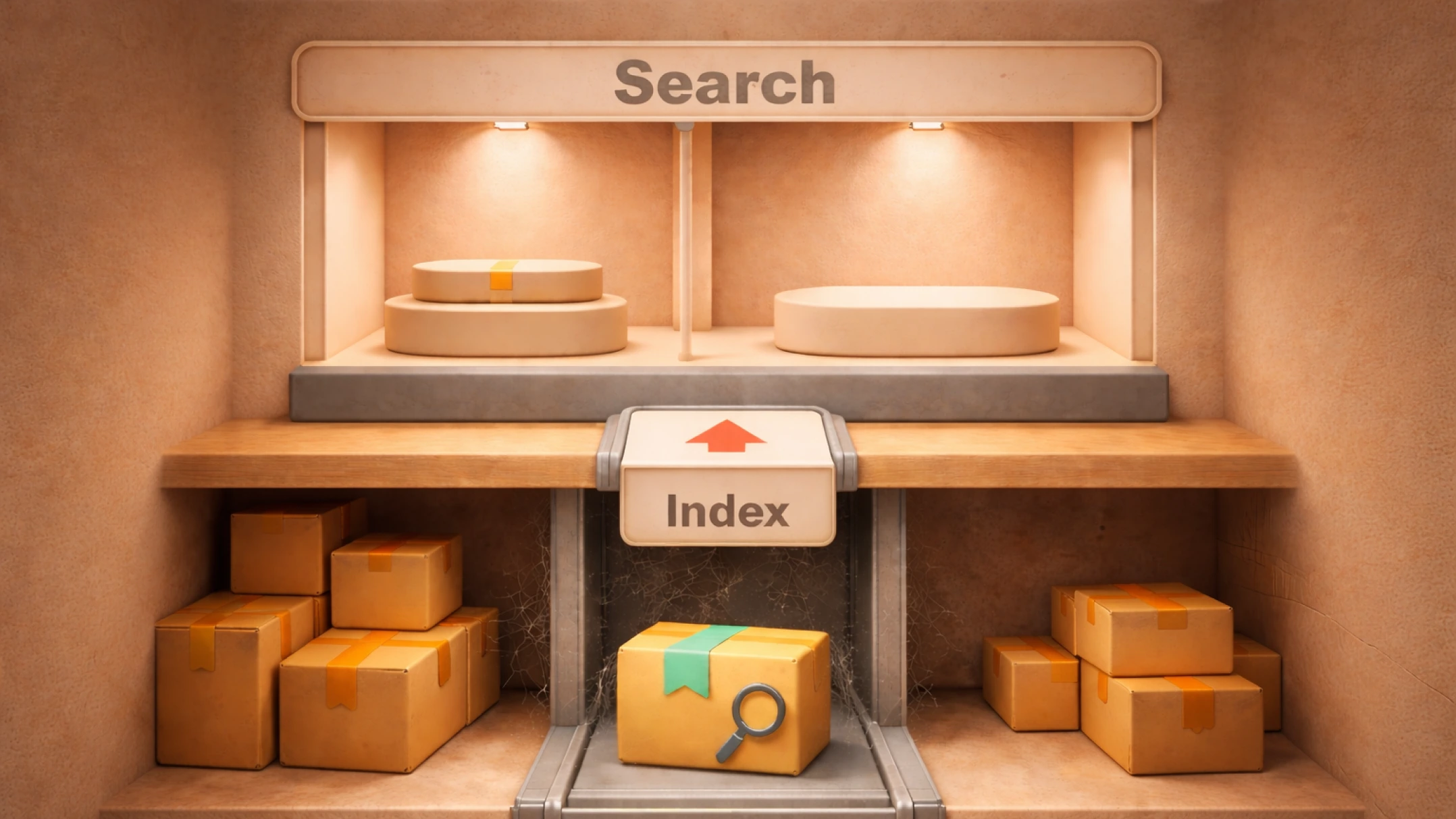
The index can be imagined as a library. If a book is entered into the catalog, it means the library stores this book. Readers receive the book only when it matches their request. If the book does not match any request, it simply stands on the shelf.
If the page is in the Google index but not shown, the reason almost always lies in one of the areas: quality/relevance, technical restrictions, signals (links/internal linking), or temporary factors.
Google may keep the URL in the index but not display it in search results if the page:
As a result, a situation appears: the page is indexed, but not in the search engine results.
Even a normal page may not receive impressions if:
Externally, it looks like the page is indexed but not ranked.
A classic case when the URL is visible in GSC, but search logic looks different:
If almost no one links to the URL, Googlebot visits less often, and the URL weight weakens, then a page in the index without visibility appears. Read about guest posts and SEO links. This is especially critical for new publications, as without internal links they may not receive impressions for a long time.
On sites with thousands of URLs, Google distributes crawl frequency. If there are many junk/similar URLs, useful ones get less attention. The result is a page without organic traffic or impressions close to zero.
Sometimes Google indexes but does not show simply because:
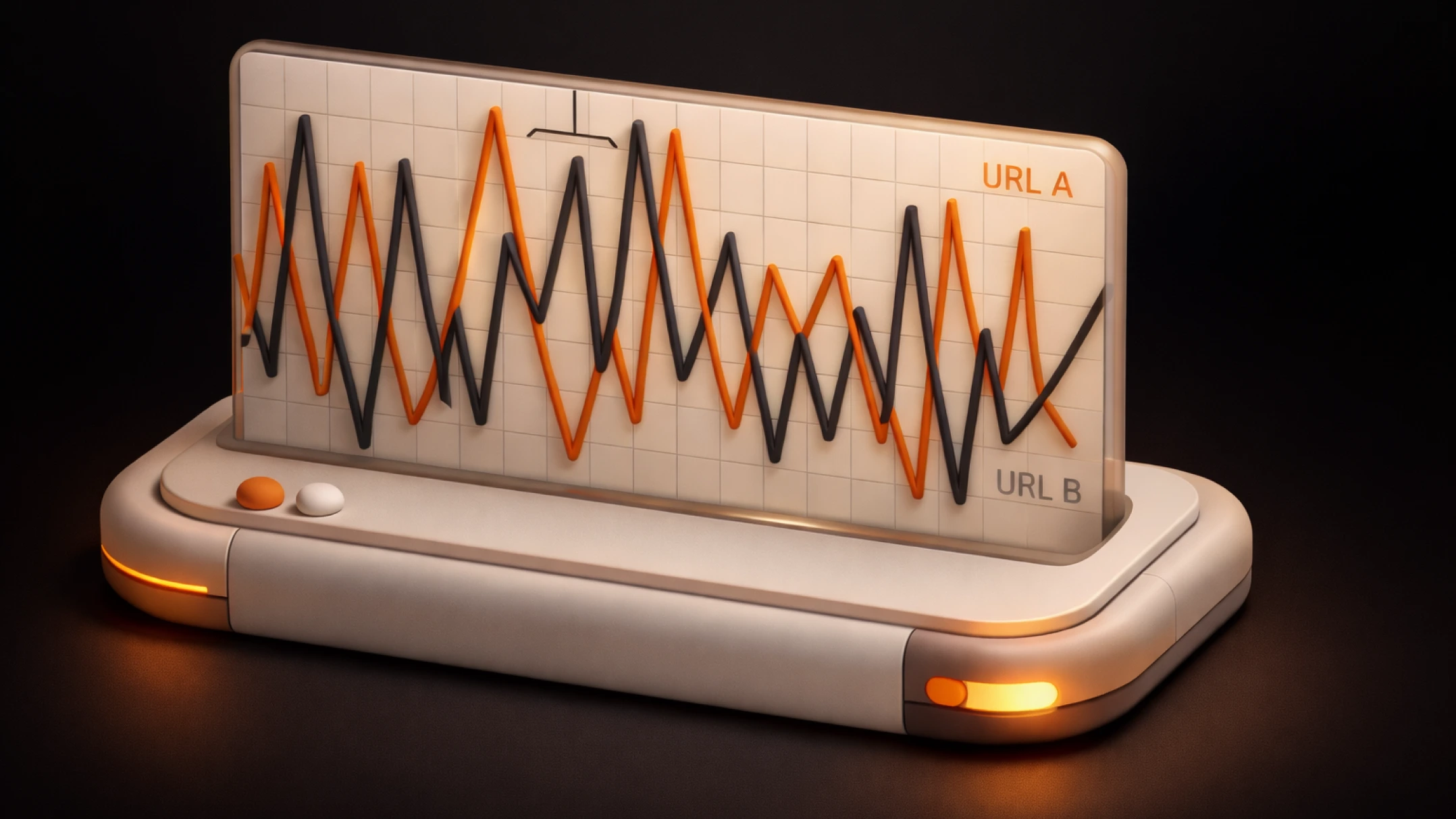
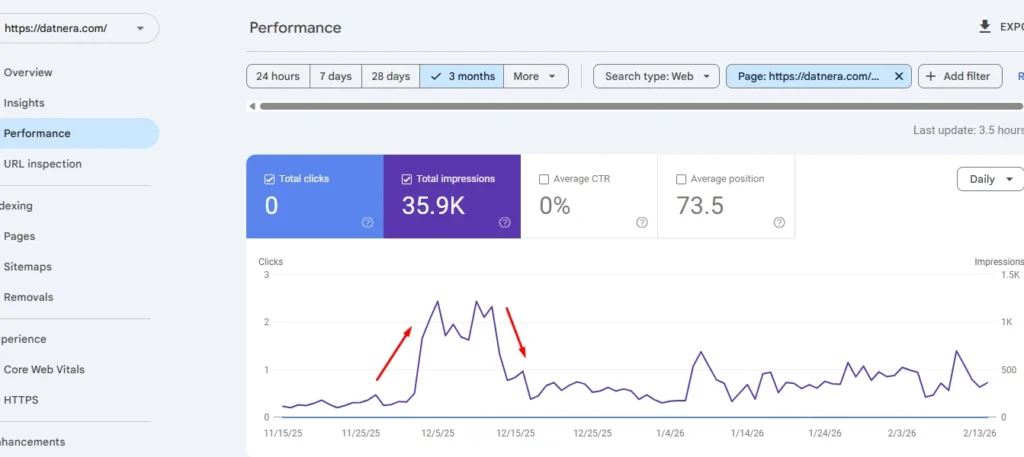
Why did the page drop out of search? It happens that the URL was visible and then disappeared. Reasons: quality recalculation, increased competition, changes on the site (content/template), technical duplicates, or temporary re-evaluation of relevance.
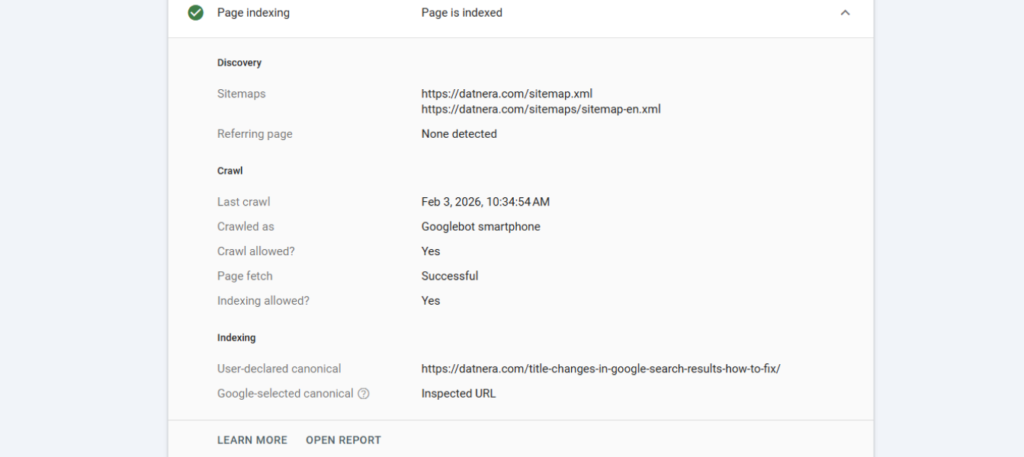
First, make sure the “index” is real and not confusion due to canonicalization or URL version.
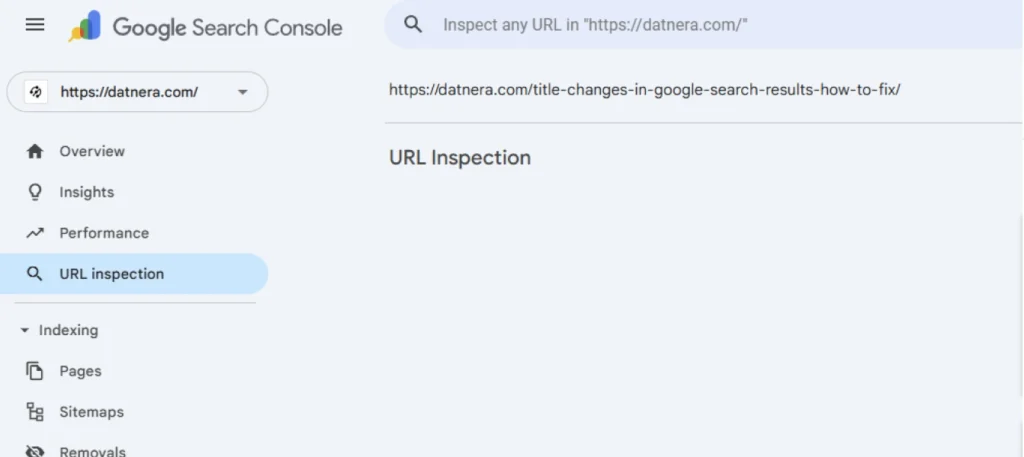
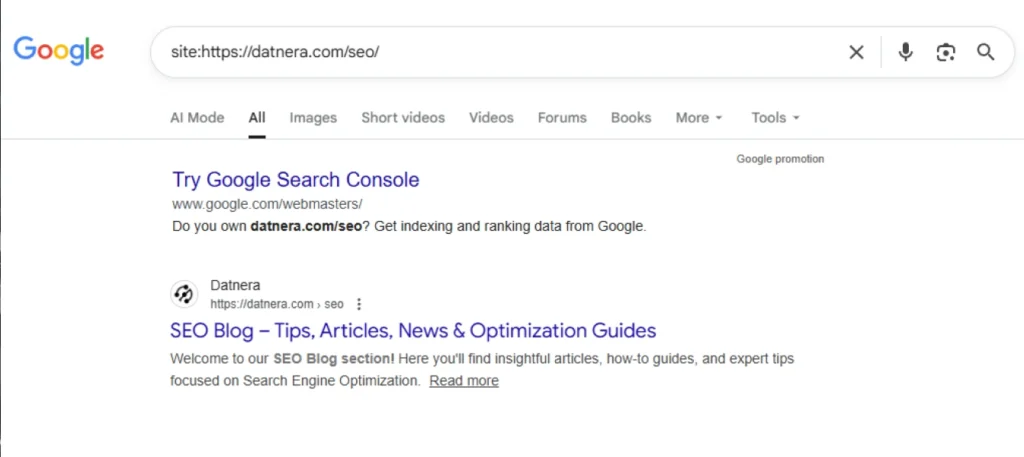
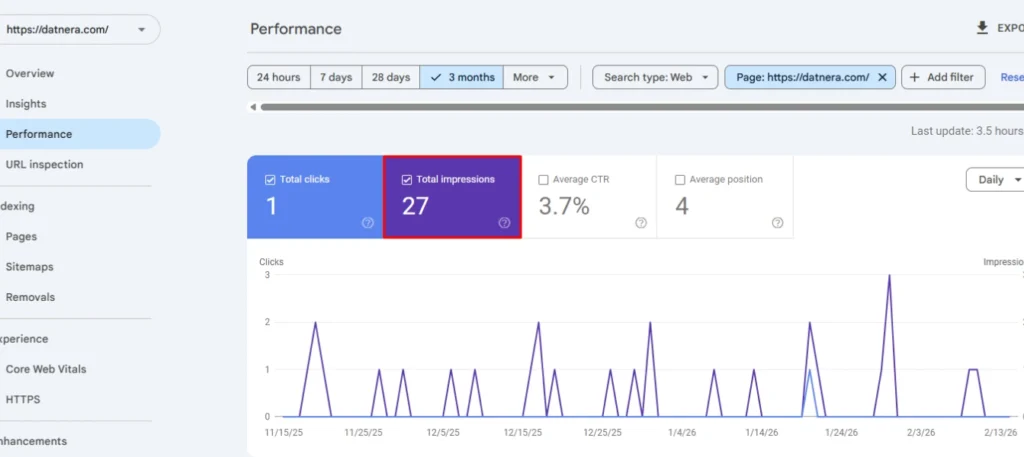
Even if the publication is indexed but invisible in search, it is important to check whether it has at least minimal impressions. This reflects participation in result selection:
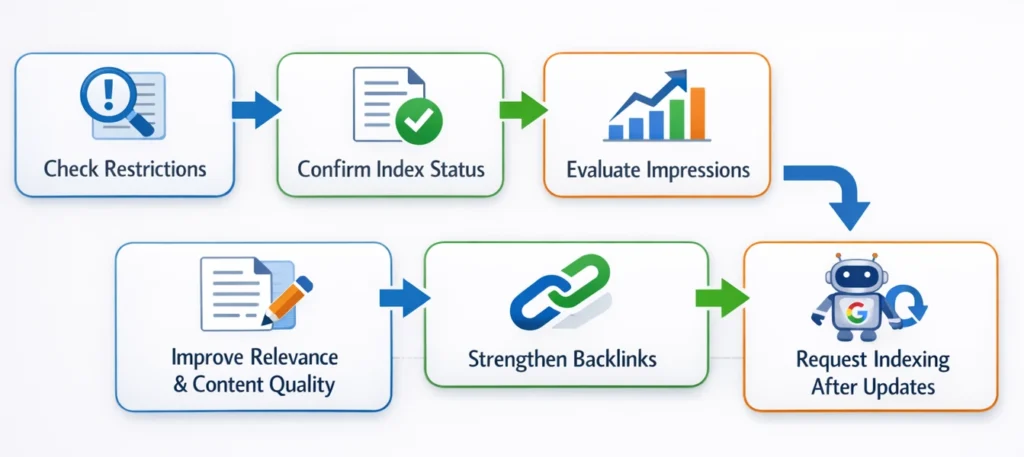
Below are actions in the order “quickly check” → “strengthen the page”. This helps when the page is published but missing to users, or you see indexing but no impressions.
If a published page is open index follow without visibility in search, most often it needs to be made the “best answer”. Working improvements:
It’s better to promote a new website using low-frequency search queries. A new domain only starts gaining impressions for mid- and high-frequency keywords or competitive topics after six months.
Make the URL “visible” to the site:
If the niche is competitive, without external optimization the URL may remain as a crawled page without impressions. Start with safe sources: mentions in niche directories, partner publications, PR materials, links from social networks and communities (where appropriate). For advanced SEO specialists we recommend using PBN networks.
In “URL Inspection” click “Request indexing” after fixes. This is useful when the page exists in google search console but is not displayed in TOP-100 due to updates or recent changes.
Symptom: “page in search console but not in results”, impressions = 0, site: operator sometimes shows it, sometimes not.
Reason: canonical pointed to a category page, and the article itself was almost a duplicate (identical blocks across 5 publications).
What was done: fixed canonical to the page itself, rewrote 40% of the content (added instructions, solution table, FAQ answers), added 8 internal links, and requested indexing.
Result: impressions appeared within a few days, then clicks started from low-frequency keywords, and the page entrenched in visibility.
Usually the reason is that Google chose another canonical URL, the page competes with duplicates, or its relevance is too low. Then the page is not shown even for an exact query, although everything looks “normal” in GSC.
Weeks or even months if there is no internal/external support and the content is weak. On new domains this happens more often: a page in the index without traffic is a typical story without SEO promotion.
This happens with close intents and duplicates: Google considers another URL more “primary” or more useful. Check canonical, structure, query overlap, and content differences.
Often the reason is competition changes, a quality update, duplicates appearing after edits, or a relevance drop. From a user perspective, it looks like why google hides the page from results.
Check the “Manual actions” and “Security issues” sections in Search Console, as well as sharp drops in impressions/clicks for the site and the page. If there are no manual actions, the problem is more often not a “filter” but SEO and technical aspects.
Yes. If the content is thin, non-unique, or does not answer the query, the URL may remain in the index but lose positions and impressions.
The page is in the index, but impressions are close to zero, and for target queries the URL does not appear even on distant result pages (beyond TOP-100 positions).
Enjoyed the article?

Discover ideas worth your time — stories,
trends, and tools that shape the future
Join our newsletter for curated
insights and important updates