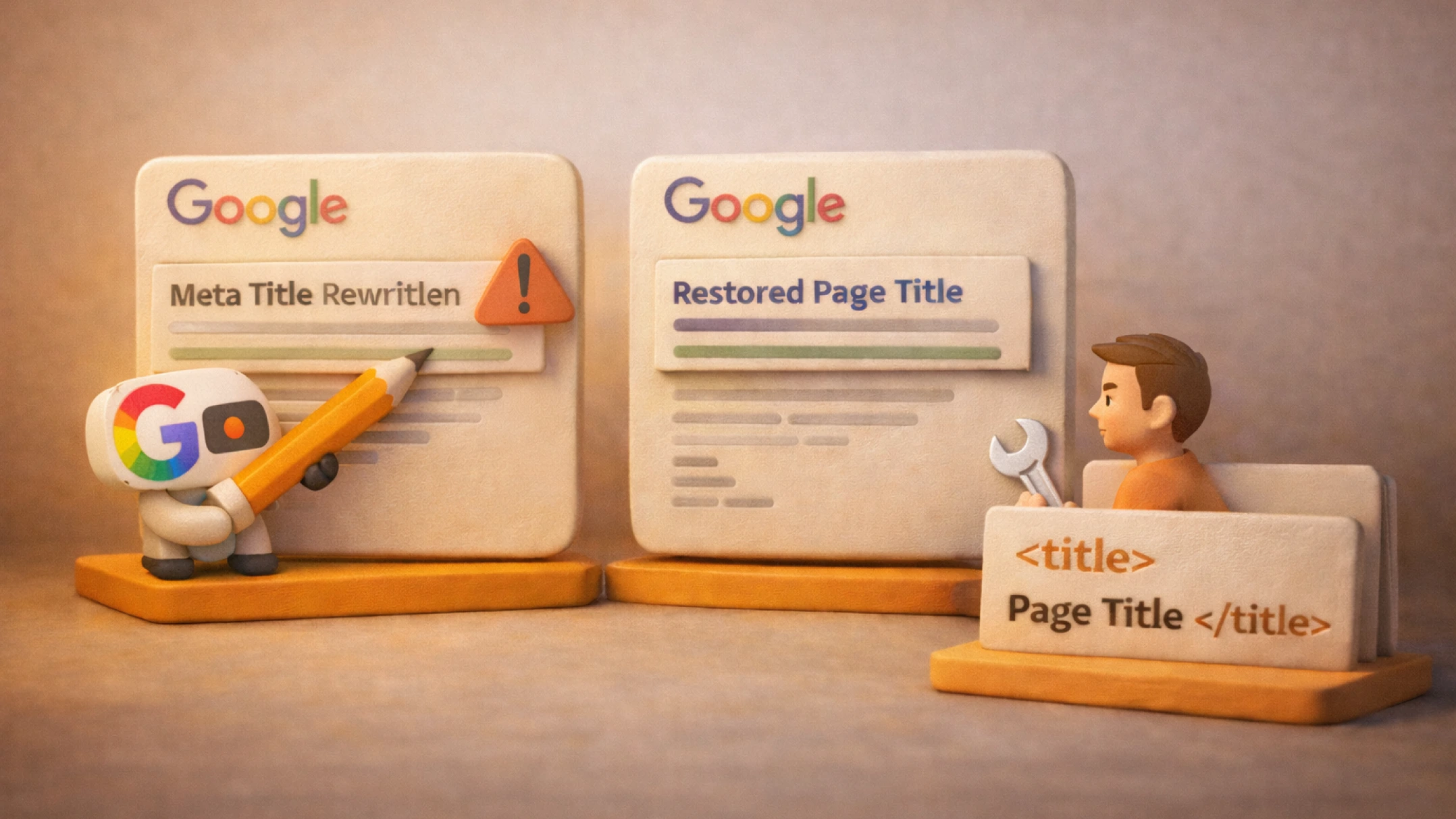
Why Google changes the meta title is one of the most common questions faced by SEO specialists, website owners, and marketers. When Google rewrites the title in the snippet, a page may lose clickability, relevance, and part of its traffic. In this article, we will figure out why google shows the wrong link headline, how to identify the reason, and how to make your own meta title in the search results in practice.
Important: Google officially confirms that the headline in search results may differ from the HTML tag <title>, if the algorithm considers it useful for the user.
Many believe that the page headline in search results is always the meta tag <title>. In practice, automatic headline generation from Google uses several data sources at once:
That is why the search engine forms the title automatically if the specified option does not match the search intent.
If you noticed an incorrect title in the search results, the reasons are most often typical. Below are the main situations because of which the meta tag is rewritten in the search engine.
| Reason | Description |
| Irrelevance | The title does not reflect the essence of the page or the user’s query |
| Duplicates | Identical titles on different URLs or in pagination |
| Keyword stuffing | Excessive use of keywords |
| Length | Too short or too long a headline |
| Technical errors | Canonical, redirects, URL duplicates |
Especially often Google ignores meta tags on sites with a CMS where template contents are used — in such cases, replacing the page headline in search results happens because identical or formal titles do not provide value to the user.
To determine that the page headline was changed by the search engine, use the following methods:
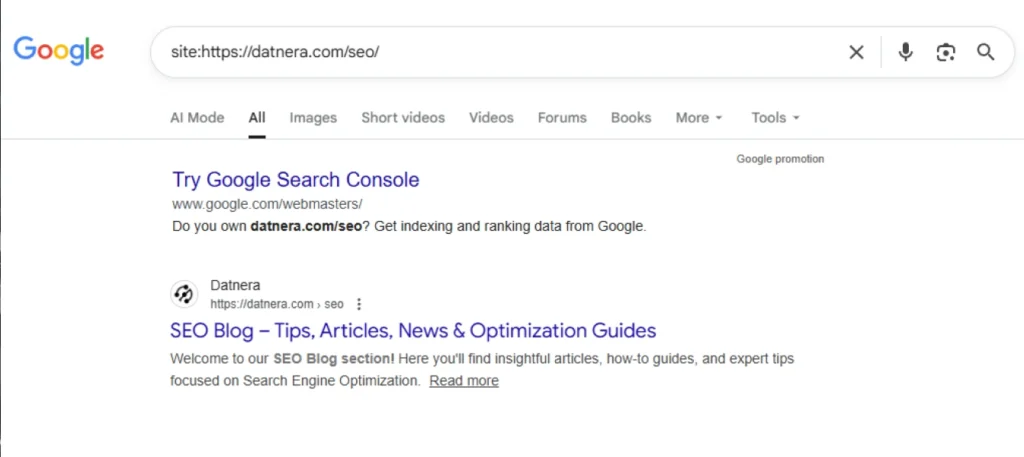
Note: The search engine may show different headlines depending on the user’s query.
If the title differs from the specified one, follow the steps:
In practice, how to fix the title in Google means putting the headline in order: making it clear to the user, relevant to the page content, and logical from the point of view of the search query, so that the search engine has no reason to rewrite it on its own.
So that Google does not use h1 instead of title, follow the recommendations:
This approach reduces the risk where google substitutes the title with its own variant.
The situation when Google makes its own title is not an algorithm error and not a site penalty. Most often, it is a signal that the specified headline does not match the user’s expectations or the search intent of the query.
If Google remakes the meta tag, it relies on available sources: H1, page text, anchor links, site name. This means that the search engine is trying to show a clearer and more relevant headline, even if the page owner does not agree with it.
The key task of an SEO specialist is not to fight the algorithm, but to make the meta title obvious, useful, and unambiguous. When the headline accurately reflects the page content, contains no keyword stuffing, and is not duplicated on other URLs, the likelihood that google will ignore your title is significantly reduced.
It is important to understand: it is impossible to force the search engine to display only your headline. However, working with the HTML structure, content, and the logic of title formation allows you to keep control over what page headline the user will see in the search results, and thus directly affects CTR and organic traffic.
Usually from a few days to a few weeks after reindexing.
When Google uses h1 instead of title, it considers it more relevant to the query.
No, there is no direct prohibition. You can only improve the quality of the title.
The algorithm filters elements that worsen the perception of the snippet.
The reason is a pixel-width limit, not a character limit.
The page may not have undergone reindexing.
Because of the mobile-first index and differences in HTML.
This is the result of headline formation in the results based on content and links.
The algorithm optimizes the headline for a specific query.
Most often because of irrelevance, duplicates, or SEO errors in the page structure.
Enjoyed the article?

Discover ideas worth your time — stories,
trends, and tools that shape the future
Join our newsletter for curated
insights and important updates